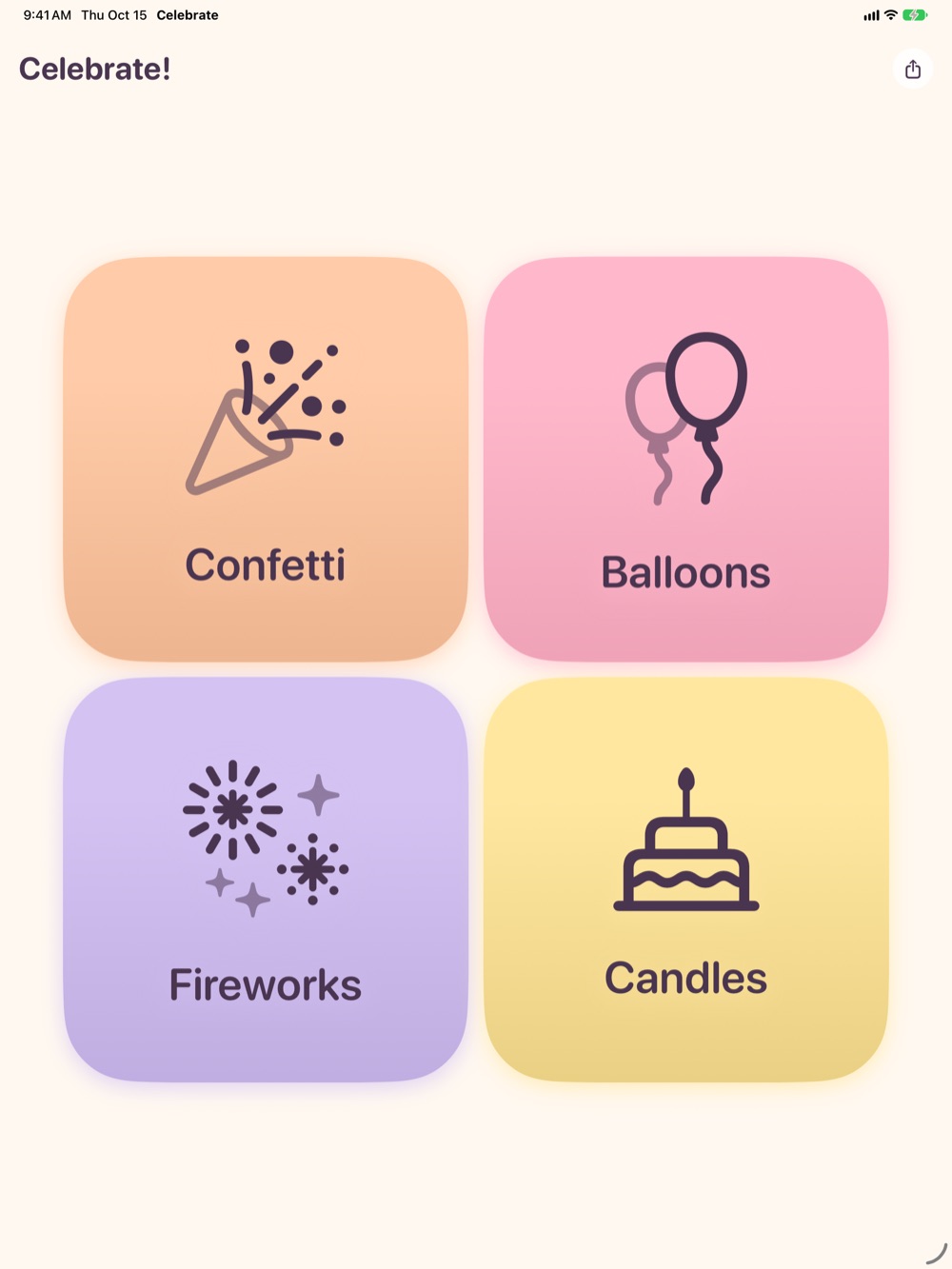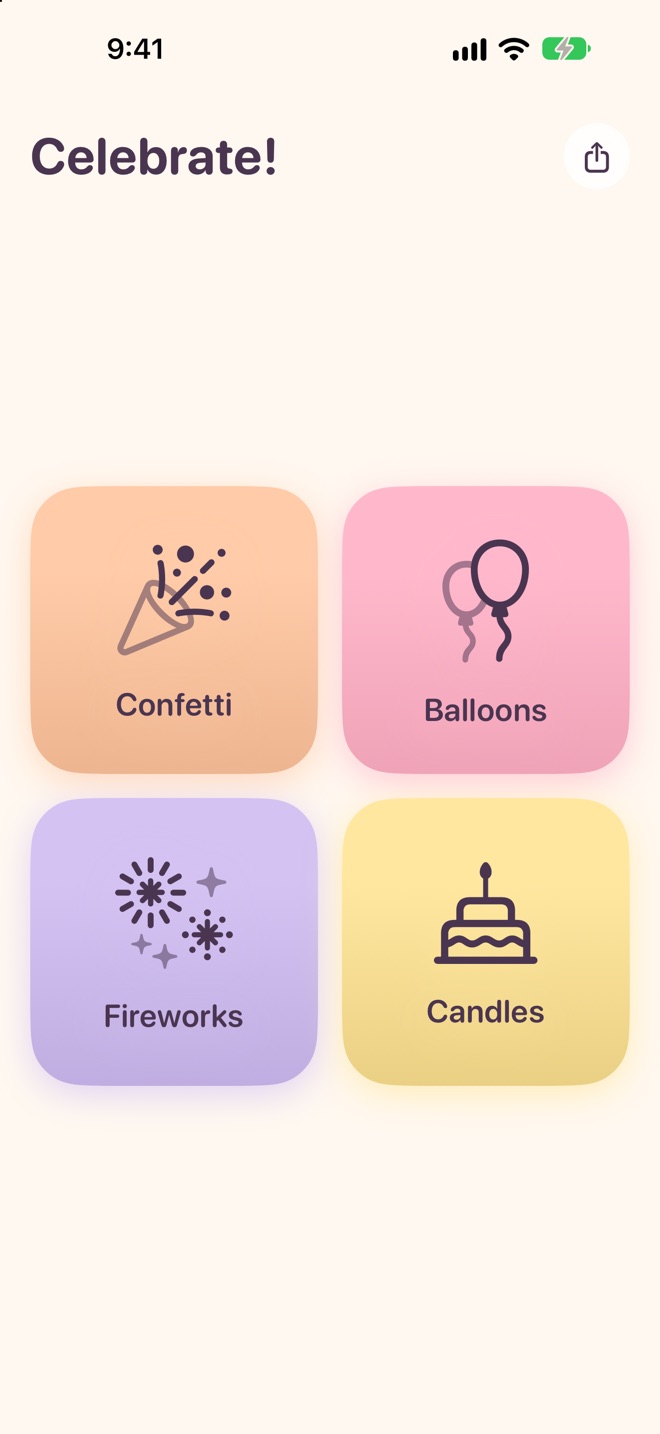
Each celebration fills the whole screen in soft sherbet colors, with sounds and haptics that make it feel real. They keep going for as long as you like.
A confetti cannon pops, shooting a burst all the way to the top of the screen before it flutters down. Then it keeps raining.
👆 Tap anywhere to throw a handful from your fingertip
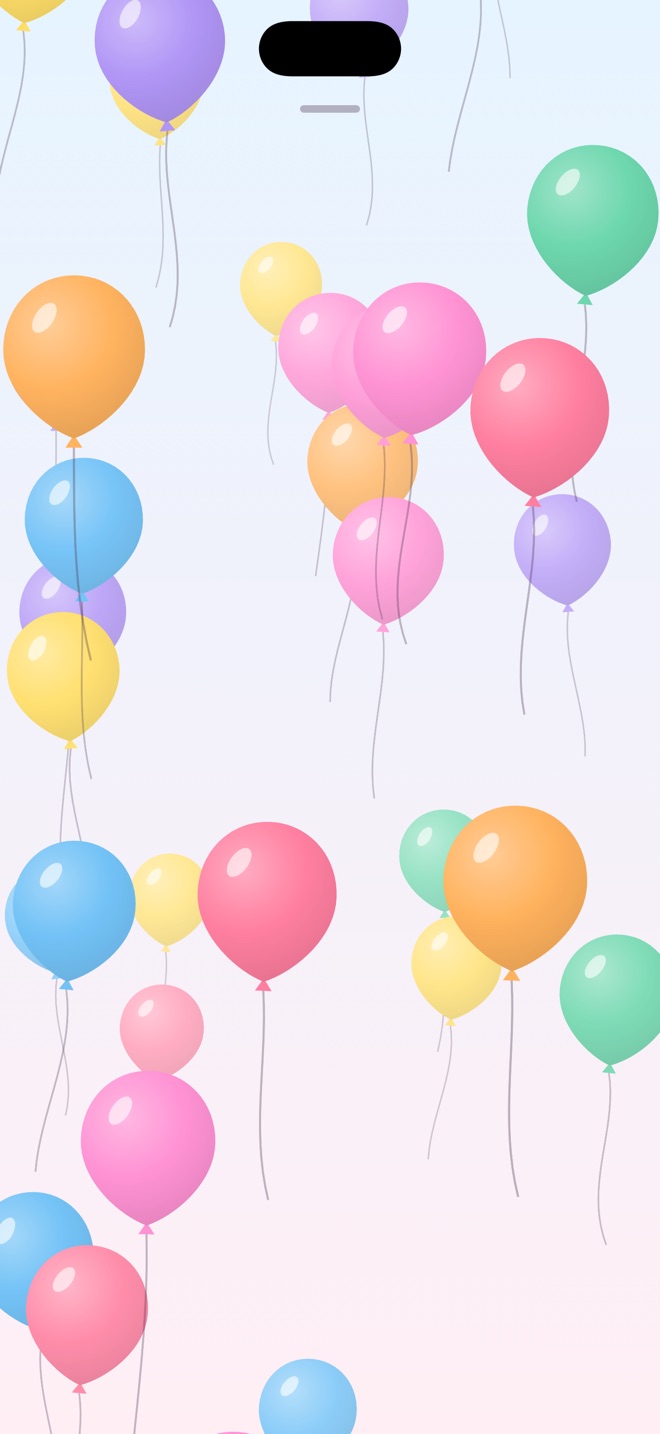
A wave of balloons floats up from the bottom of the screen, swaying on their strings, and more keep coming.
👆 Tap a balloon to pop it
Rockets streak into the night sky and burst into peonies, rings, golden willows, two-tone and multicolor shells, each with a satisfying boom.
👆 Tap the sky to set off a firework right there
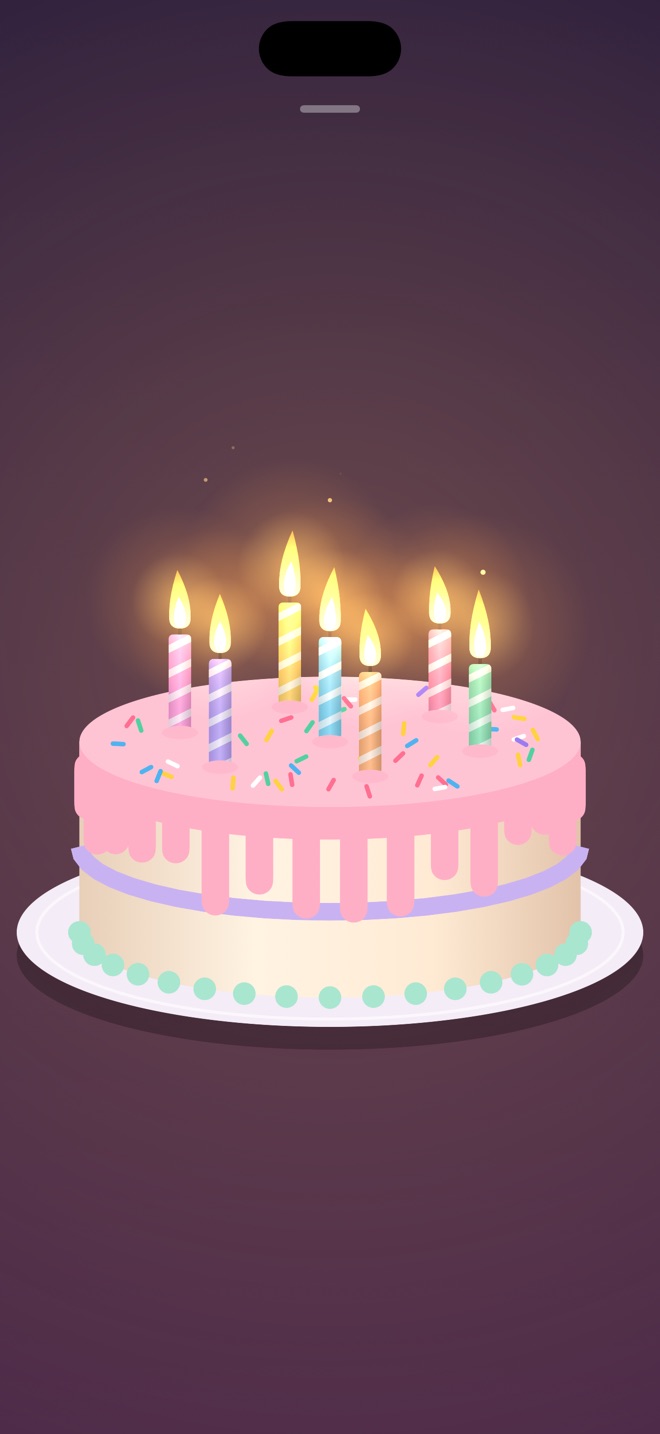
Colorful candles on a birthday cake light one by one while Happy Birthday plays on a music box. Blow them out and they relight, so the party never has to end.
👆 Tap a candle to blow it outSimple enough to hand to anyone. Delightful enough that they won't want to hand it back.
Throw confetti, pop balloons, launch fireworks, and blow out candles exactly where you touch.
Celebrations loop, so they last as long as the moment does. Your screen stays awake while you celebrate.
No buttons in the way. Pull down from the top of the screen to head home, and swipes everywhere else stay part of the fun.
Sounds follow your volume buttons and silent switch, and play nicely alongside your music.
Looks great on every screen size, in portrait or landscape.
No ads, no accounts, no in-app purchases, and no data collected. Ever.
Prop up an iPad at the party table and let everyone join in.
Answers to common questions. Still stuck? We're happy to help.
Put your finger near the top of the screen, by the small handle, and pull down. When you feel a tap and see "Release to close," let go. Swipes that start lower on the screen won't close the celebration, so it's hard to leave by accident. With VoiceOver, use the two-finger escape gesture or the Close action.
Celebrate respects your device's volume and Ring/Silent switch. Make sure silent mode is off and the volume is turned up. On iPad, check that the volume isn't muted in Control Center.
Each celebration reacts differently: Confetti throws a handful from your fingertip, Balloons pops the balloon you tap, Fireworks sets off a firework where you tap, and Candles blows out the candle you tap.
Each candle relights on its own a moment after you blow it out, and Happy Birthday keeps playing, so you can blow them out as many times as you like.
No. Celebrate keeps your screen awake while a celebration is playing, and normal auto-lock resumes when you return to the home screen.
No. Celebrate has no accounts, ads, or analytics, and it doesn't connect to the internet. See our Privacy Policy for details.
Celebrate runs on iPhone and iPad with iOS 17 or later, in portrait and landscape.